Grow And Build Giants Controls & Input Basics
Movement, bat steals, treadmill training, enclosure interactions, and portal habits for PC and mobile players.
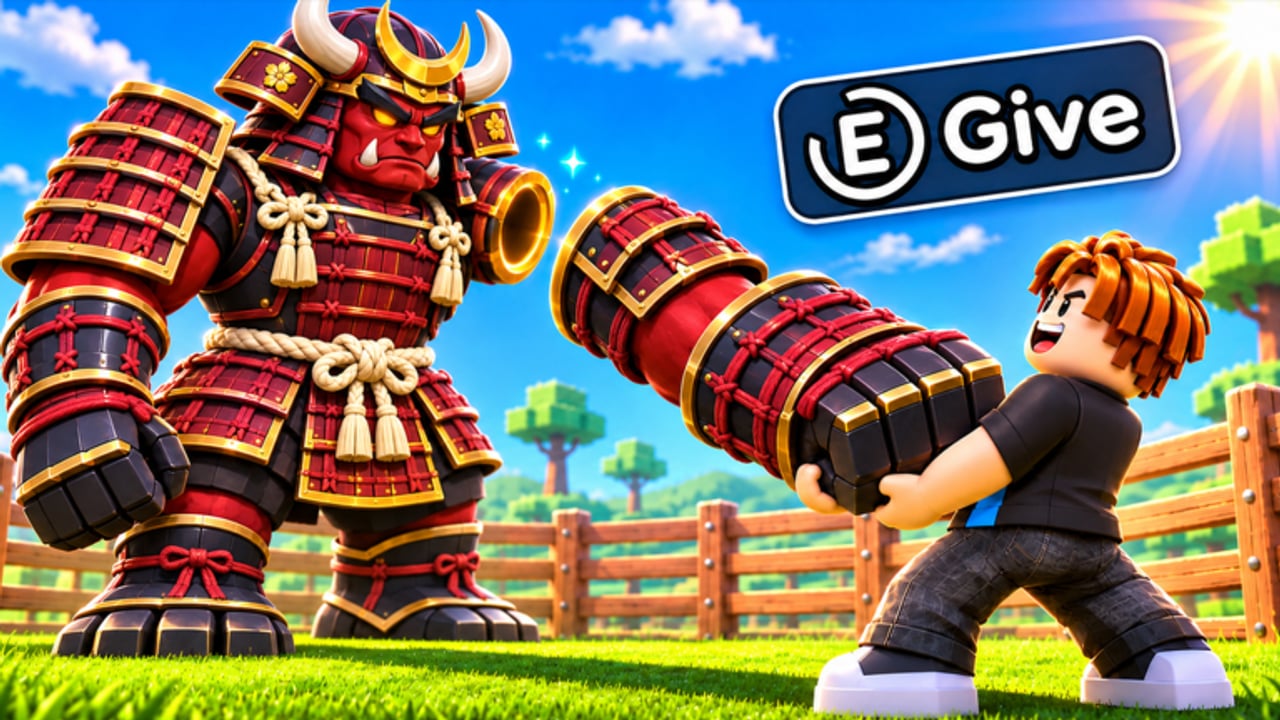
Grow And Build Giants plays like a compact Roblox incremental sim: you move through contested zones, interact with bosses and players, return to an enclosure, train on a treadmill, open Lucky Blocks, and eventually enter a Giant Battle portal. This controls page focuses on input habits and UI checkpoints so new players stop fumbling mid-steal. Exact keybinds can follow your Roblox device settings—always confirm prompts on your client.
Pair this with Getting Started for the first session, Steal Orbs for contested routing, Treadmill and Speed for training loops, and Giant Battle for portal combat.
Core actions you must be able to do cold
- Move and camera. Standard Roblox locomotion. Rebind only if your current layout makes sprinting past bosses awkward.
- Interact / prompt. Used for feeding, collecting cash, opening Lucky Blocks, treadmill training starts, and portal entry. Stand still long enough for the prompt to appear—panic mashing while sliding past the enclosure wastes seconds.
- Bat other players. The live pitch includes hitting players with your bat to steal their orbs. Practice the swing timing in a calm lobby moment before you rely on it under pressure.
- Inventory / equip awareness. After Lucky Block opens, equip pieces before the next route (Lucky Blocks).
- Menu navigation. Settings, any Codes UI when present (How to Redeem), and mode portals should be reachable without opening five wrong panels.
If any of those five feels slow, drill it for two minutes at spawn before a long farm.
PC habits
- Keep fingers ready for movement + interact without releasing camera control for long.
- Use a consistent camera height so boss telegraphs and player bats are readable.
- When carrying orbs, prioritize pathing over emotes or menu browsing.
- Bind or remember a quick way back to the enclosure route—muscle memory beats chat arguments.
Mobile habits
- Enable a control scheme where thumb movement and tap interact do not fight each other.
- Avoid covering the interact button with chat or oversized GUIs during steals.
- Practice bat swings in open space; touch latency makes contested steals harder than on mouse.
- After each feed, pause one second to confirm cash or piece UI before sprinting out again.
Enclosure and treadmill inputs
Your enclosure is a control checkpoint, not only a base skin:
- Approach the feed interaction deliberately after every successful steal.
- Start treadmill training with a clear begin prompt; do not assume AFK walking always counts the same as a dedicated train action—verify on your build (Treadmill and Speed).
- Collect money through the intended cash interaction when earnings do not auto-appear (Money and Upgrades).
- Open Lucky Blocks when inventory and attention are free, then equip immediately.
Bat steals without throwing the session
Bat steals are intended PvP in six-player servers. Control tips:
- Swing when you can still path to safety—landing a bat and dying with the stack helps the lobby, not you.
- Do not open menus while lined up for a steal; you will eat a counter-bat.
- After a successful steal, bank before celebrating in chat.
- If a lobby is pure spawn-camp chaos, hop servers instead of burning focus—controls cannot fix a miserable social round.
Giant Battle control checklist
Before the portal:
- Confirm you can move the giant comfortably in open world first.
- Clear stray menus so wave UI is visible.
- Agree on simple calls if you are in a team of up to four.
Inside the mode:
- Treat early waves as input warm-ups for camera and dodge habits.
- After a wipe, fix build and speed on the farm guides before blaming “bad controls.”
- Collect battle Lucky Blocks with the same interact discipline you use in the enclosure.
Codes and settings UI
When Official Instinct exposes a Codes field, the redeem flow is documented on How to Redeem. Until a verified code exists, still learn where Settings and ticket panels live so you are not hunting UI during a live drop. Never paste executor scripts into chat thinking they are controls—see Scripts for safety context.
Accessibility and comfort
- Lower graphic settings if frame drops make bat timing impossible.
- Increase UI scale on mobile if prompts are hard to tap.
- Take short breaks; tired inputs cause more lost orb stacks than any boss script.
Quick drills (five minutes)
- Spawn → enclosure feed prompt → cancel → repeat until instant.
- Short treadmill start/stop twice.
- One practice bat swing with an empty risk mindset.
- Walk to the Giant Battle portal location without opening unrelated menus.
- Open inventory and note one missing piece slot.
Related pages
- Getting Started
- Steal Orbs
- Treadmill and Speed
- Money and Upgrades
- Lucky Blocks
- Giant Battle
- How to Redeem Codes
Controls will not replace a weak giant, but clean inputs turn the same giant into more successful steals, feeds, and portal clears. Master the five cold actions, then let the rest of the wiki deepen strategy.
Frequently Asked Questions
Quick answers to the most common Grow And Build Giants questions.
What are the most important controls to learn first?
Movement, interact prompts for feed/cash/blocks/portal, bat swings for player steals, equipping pieces, and finding Settings or Codes UI when it appears.
Does mobile play differently?
The actions are the same, but touch latency makes bat steals and prompt timing harder. Simplify the on-screen layout and practice swings in safe space.
Where do I train speed?
On your treadmill inside the enclosure loop. Confirm the training prompt counts before you AFK-walk and assume progress.
Is bat stealing allowed?
Yes. Hitting players to steal orbs is part of the official how-to-play pitch. Bank quickly and skip harassment.
Do you list exact keybinds?
Roblox device settings vary. Use on-screen prompts as the source of truth and rebind only if your current layout blocks steals or feeds.